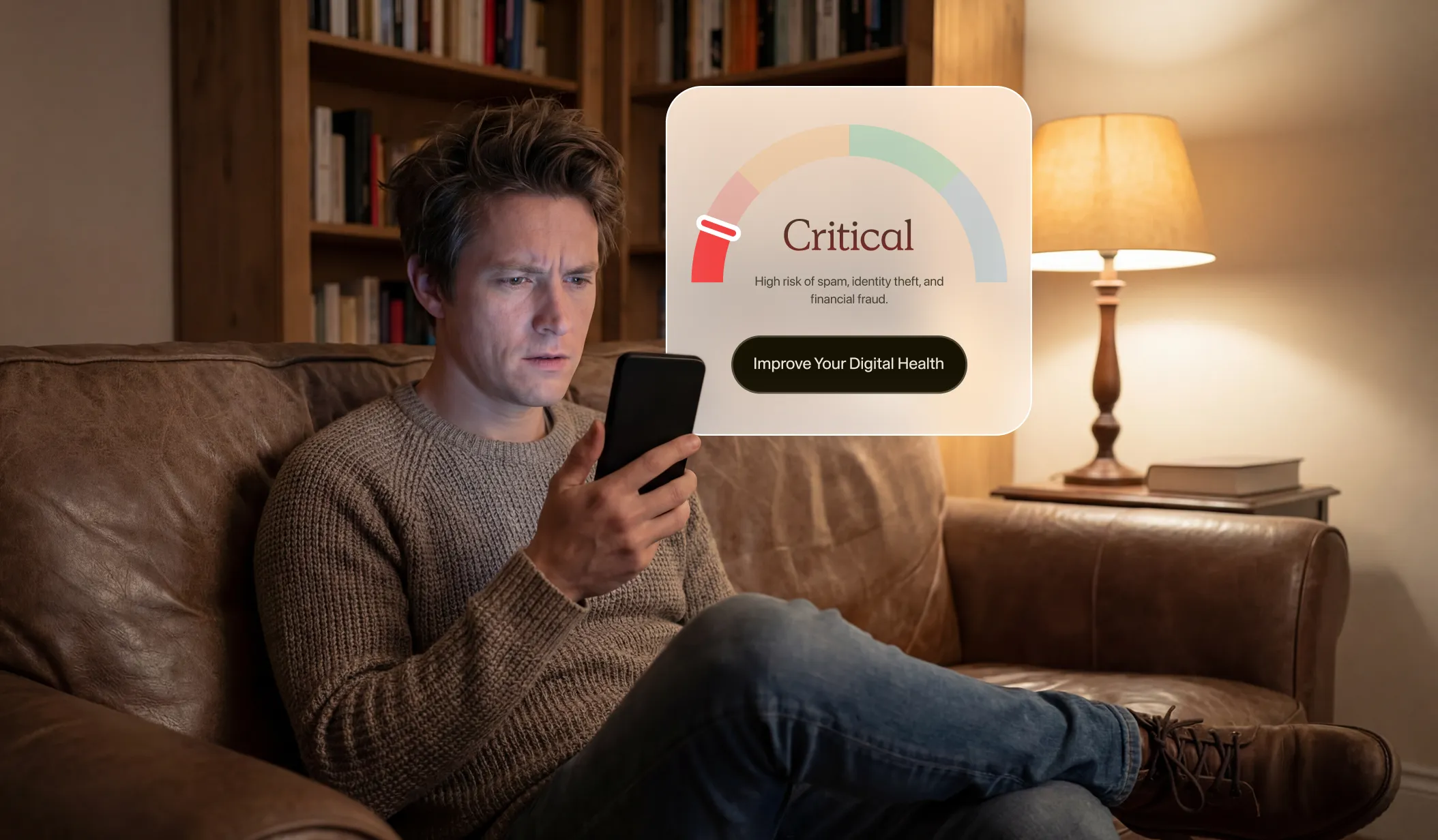
You know that calm moment after you book a flight—the seat is picked, the dates are locked, and your brain finally relaxes. This JAL incident is the opposite of that feeling. Japan Airlines says a third-party system tied to Amadeus had unauthorized access from Aug 10, 2023 to Sep 23, 2026, exposing travel details for about 92,000 passengers . No credit card numbers or passwords, and no evidence of misuse so far . Still, travel data is surprisingly “useful” to scammers. If someone knows when you’re flying and your reservation code, they can craft messages that feel uncomfortably real.
What happened (and what data was actually exposed)
If you booked with Japan Airlines (JAL) any time in the last few years, this part matters: JAL says the unauthorized access didn’t happen for a weekend. It lasted from Aug 10, 2023 to Sep 23, 2026 in a third-party system it uses from Amadeus (Passenger Service System / PSS). JAL was notified on Oct 23, 2026.
That time window is the scary part. A breach that runs for years isn’t just about “one trip.” It can touch past reservations, future bookings, rebookings, and anything that sat inside that reservation/ticketing/check-in system during that period.
The exposure wasn’t the same for everyone (two tiers)
JAL’s incident breaks down into two main buckets:
1) About ~90,000–92,000 passengers: travel record details
Attackers accessed the kind of information that lives inside a booking record, including:
- Reservation code / PNR (Passenger Name Record)
- Passenger name
- Flight dates
- Routes (where you’re flying to/from)
- Travel class (economy/business/etc.)
2) An additional ~2,000 passengers: travel record + stronger identifiers
For this smaller group, the exposed dataset also included:
- Email address and phone number
- Passport number and nationality
- Frequent flyer number
- Flight number, ticket number, and seat number
If you’re trying to gauge personal risk, that second tier is the one that changes your day-to-day. Once your email/phone is in the mix, you’re easier to target with messages that look like “real airline comms.”
What a PNR/reservation code actually is (and why scammers love it)
A PNR is basically your booking’s “master key reference.” It’s the short code you type into “Manage booking,” and it’s also the detail airlines and agents use to quickly pull up an itinerary.
It’s not a password. Still, paired with your name + flight date + route, it’s enough to make a scam feel airtight. The message doesn’t need to guess. It can quote your trip back to you.
What JAL says was not exposed
This part is worth stating plainly because it reduces certain kinds of fraud:
- No credit card numbers compromised
- No passwords compromised
- JAL also said it has no evidence of misuse at this time
That doesn’t mean “nothing can happen.” It means this looks less like “drain your card right now” and more like “use your travel details to trick you later.”
And one practical takeaway if you’re in the ~2,000 group: when contact details leak, tools like Cloaked can help limit the blast radius by using email/phone aliases for bookings—so if a travel vendor gets hit, your real number and primary inbox don’t become the long-term target.
Why a supplier breach hits harder than an airline-only breach
When a breach sits inside an airline’s own website, the blast radius usually stops at that airline.
When a breach hits a shared supplier system, it can spread across carriers fast—because the supplier is where a lot of the “plumbing” lives.
The plain-English supply chain problem
Airlines don’t build every system themselves. Many run day-to-day operations on big, specialized platforms that handle the unglamorous stuff that has to work 24/7:
- Reservations (booking creation and retrieval)
- Ticketing
- Check-in workflows
In JAL’s case, JAL Group uses Amadeus’s Passenger Service System (PSS) for those core functions . That’s why a supplier incident doesn’t feel like “JAL had an issue.” It can become “any airline on that platform might have an issue.”
Why this hits travelers harder
Supplier systems sit in the middle of the travel ecosystem. One platform can connect:
- airlines
- travel agencies
- airports
- hotels
Amadeus is a major travel IT provider, with tooling used across global aviation (the reporting notes it’s used by 400+ airlines, plus airports and hotels) . So even if your primary airline account is fine, the data trail might have passed through a third party you’ve never heard of.
The wider context: it wasn’t only JAL
Amadeus posted that it had found a vulnerability in its travel booking display environment that could expose traveler data . Later reporting ties that issue to real-world impact.
Other airlines reportedly confirmed they were affected too, including:
- All Nippon Airways (ANA) (reported as announcing a customer data breach tied to Amadeus)
- Asiana Airlines (confirmed impact)
- Korean Air (confirmed impact)
That’s the “supplier breach” effect in one snapshot: one weak point, multiple brands, and a lot of passengers who’ll never know which backend system their itinerary touched.
How criminals use travel data: PNR phishing and itinerary-change scams
A supplier breach is ugly because it can hand criminals the one ingredient most scams lack: specificity.
If a bad actor knows your travel details (the kind that can sit in a booking record), they don’t have to spray generic spam. They can send a message that looks like it was triggered by a real system event—because it mirrors your real trip. Reporting on the JAL/Amadeus incident shows exactly the kinds of travel data that can end up exposed in these situations, including PNRs (reservation codes), names, flight dates/routes, travel class, and in some cases even seat numbers and frequent flyer numbers .
That’s how “non-financial” data turns into financial loss: it lowers your guard.
How PNR phishing works (in real life, not theory)
A typical play looks like this:
- You get an email or SMS that references your PNR/reservation code and flight.
- The message claims a problem: schedule change, payment issue, seat reassignment, passport detail mismatch.
- You’re pushed to “fix it now” via a link or phone number.
- You get routed to a lookalike site (to steal logins) or a fake support line (to extract payment details or personal info).
The PNR mention is the hook. It makes people think, “They must be legit. They know my booking.”
Itinerary-change scams: the highest-pressure version
Criminals love “your flight was changed” because it hits when you’re already stressed—often while you’re commuting, packing, or standing in a noisy terminal.
They’ll try to get you to do one of these:
- Reset your airline password (“security verification required”)
- Pay a fee (“reissue charge,” “tax difference,” “upgrade hold expires in 10 minutes”)
- Hand over one-time codes (classic account takeover move)
- Call a number that looks like airline support, then pay over the phone
Red flags you can act on fast
Treat any message as suspicious if it does two things at once: references your trip and demands urgent action.
Watch for:
- Urgency language: “final notice,” “ticket will be canceled,” “check-in failed”
- Link-first behavior: they won’t tell you to open the official airline app; they push you to click
- Login reset prompts you didn’t request
- Requests for payment to “confirm” or “unlock” your booking
- A support phone number in the message (especially if it’s not the one you already know)
Quick verification habit (that shuts most of this down)
Don’t argue with the message. Don’t click the link.
Do this instead:
- Open the official airline app or type the airline’s website yourself (no shortcuts).
- Check “Manage booking” there.
- If you need support, use the number from the official site/app, not the text you received.
And if you’re someone who uses email/phone aliases (Cloaked is one option), you can also spot targeted scams faster because any message sent to a “travel-only” alias has less room to pretend it’s part of your everyday life.
What to do now: a no-panic checklist that actually helps
If you take one thing from all of this, make it this: the fastest path to safety is cutting scammers off at the point of contact. JAL has said it has no evidence of customer information being misused so far, and that operations are unaffected 【】. That’s good news. It also means your job is prevention, not cleanup.
1) Treat your inbox and texts like a “threat feed” for a few weeks
You’re watching for messages that sound like routine airline updates but try to move you off the official path.
- Flag anything that pushes you to click a link or call a number to “confirm” a booking.
- Be extra cautious if the message references your itinerary details (that’s what makes these scams convincing).
- If you’re unsure, don’t reply. Just verify inside the airline’s official channels (next step).
2) Verify changes only inside the official app/site (no exceptions)
If you get a “flight changed” or “payment failed” message:
- Open the airline’s official app or type the airline website in your browser yourself.
- Check Manage Booking from there.
- If you need help, use the support number listed on the official site/app, not the one in the message.
This single habit shuts down a huge percentage of itinerary-change scams.
3) Lock down your frequent-flyer account (quietly, but seriously)
Even when payment data isn’t exposed, loyalty accounts can be a target because they hold value.
Do this now:
- Change your airline account password to a strong, long one.
- Turn on MFA/2FA if your airline offers it.
- Review recent activity: point transfers, profile edits, redemption history.
4) Follow official notices (don’t guess)
This incident involves a supplier platform, so updates can come from multiple places. JAL said Amadeus has implemented security measures 【】, and other airlines have also reported impact tied to Amadeus 【】.
Practical move:
- Watch for updates from your airline(s) and Amadeus—especially if you flew across multiple carriers in the same time period.
5) Passport number exposed? Don’t rush into replacement
Passport replacement is stressful, expensive, and not always necessary. If you’re in the smaller subset whose passport number was exposed, focus on blocking the scams that use your trip details to manipulate you.
- Replace a passport only if your local authority advises it or you see credible signs of misuse.
- Keep an eye on travel-related communications and account activity, since that’s where most immediate fraud attempts show up.
6) Reduce future fallout with compartmentalized contact info
If your email or phone number ever leaks (from any travel vendor, not just an airline), it becomes a long-term spam and phishing magnet.
A simple defensive setup:
- Use an email alias and phone alias for travel bookings.
- If that alias starts getting scammy messages, you can shut it off without changing your real number.
That’s exactly where privacy tools like Cloaked fit in naturally: separate “travel contact details” from your real ones, so a breach doesn’t follow you for years.