Every time you type a question into an AI chatbot, there is a good chance your words are being used to train the next version of that model. Health questions, financial details, work conversations, all of it may feed back into the system. Most platforms collect this data by default. You have to go find the off switch yourself.
The risks are not theoretical. In March 2023, Samsung semiconductor engineers pasted proprietary source code and confidential meeting transcripts into ChatGPT to get help with work tasks. That data became part of ChatGPT's training pipeline, according to reporting from CIO Dive. Samsung subsequently banned employees from using the tool. The same month, a bug in ChatGPT's open-source Redis library exposed chat titles and payment information of other users, affecting roughly 1.2% of ChatGPT Plus subscribers, as confirmed by OpenAI.
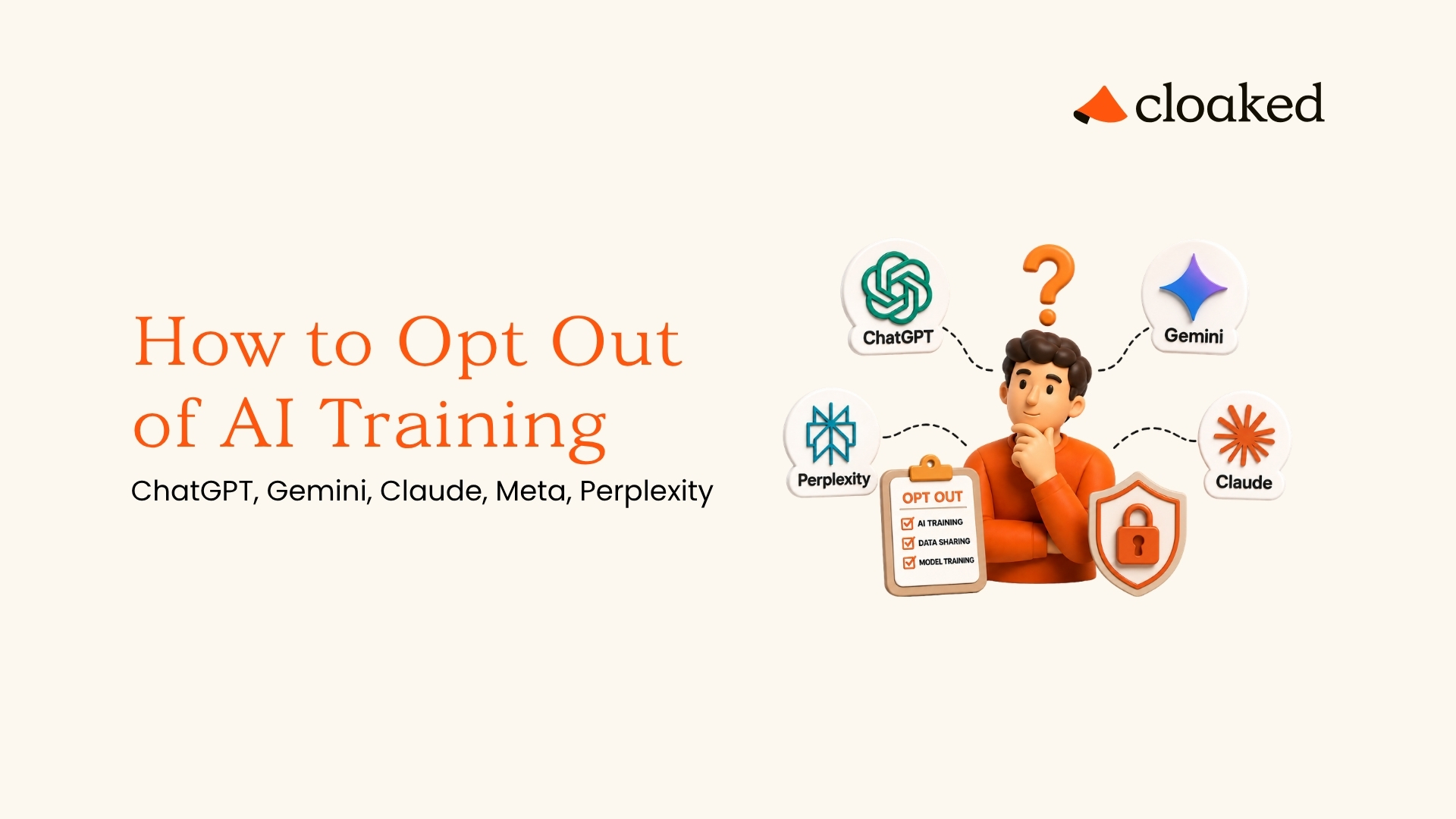
If you have been wondering how to opt out of AI training, here is exactly where to go and what to click, platform by platform.
How to Stop ChatGPT From Using Your Data
Opting out of ChatGPT training means turning off a single toggle in your account settings. OpenAI uses your conversations to improve future models by default on Free, Plus, and Pro accounts. API users are excluded automatically under OpenAI's zero-retention policy, meaning API inputs and outputs are not stored or used for training.
Steps to Opt Out
- Log in at chatgpt.com
- Click your profile icon (location may vary by device, check the top-left, top-right, or bottom-left corner)
- Select "Settings"
- Go to "Data Controls"
- Toggle off "Improve the model for everyone"
A few things to keep in mind:
- If you use ChatGPT without logging in, your data gets collected regardless. There is no way around that.
- Temporary chats are not used for training even without changing this setting.
- The toggle only affects future conversations. Anything you shared before is already in the pipeline.
Removing Your Personal Data From ChatGPT Responses
OpenAI also has a Privacy Portal at privacy.openai.com, where you can submit a "Remove my personal data from ChatGPT responses" request. If ChatGPT is generating responses that include inaccurate or unwanted personal information about you, you can ask OpenAI to address it through that form. Requests are reviewed on a case-by-case basis and are not guaranteed to be approved.
If you want to stop ChatGPT from using your data, start with the toggle and consider the Privacy Portal if your personal information is already showing up in responses.
How to Opt Out of Google Gemini Training
Opting out of Google Gemini training means disabling a setting in your Google account that controls whether your conversations are saved and used for AI improvement. Google has been renaming this setting, so you may see it called "Gemini Apps Activity" or "Keep Activity" depending on when you check.
Steps to Opt Out
- Go to myaccount.google.com
- Click "Data & Privacy" in the left sidebar
- Scroll to "History settings" and find "Gemini Apps Activity" (may also appear as "Keep Activity")
- Toggle it off
- Optionally, delete your existing Gemini activity from the same page
If you used Google Bard before it was renamed to Gemini, your legacy Bard conversation data may still be stored. Delete past activity from the same settings page to clear any older data.
A few important caveats:
- Google may still retain conversation data for up to 72 hours after you turn this off, for safety and abuse monitoring purposes.
- Some privacy researchers have noted that turning off Gemini Apps Activity stops saving conversations to your account, but may not fully prevent all uses of your data for product improvement. Google's exact boundaries here are not entirely clear.
- If you also use Gemini features inside Gmail, Google Docs, or other Workspace apps, check your Smart Features settings separately. Go to Gmail Settings, then "See all settings," and look under the General tab for Smart Features and Personalization toggles.
- Workspace and business accounts may have separate settings controlled by an admin.
If you have been searching for how to opt out of Google Gemini training, the toggle above is the most important step. Make sure you also clear your past activity and check your Smart Features settings while you are there.
How to Opt Out of Claude Training
Opting out of Claude training means disabling a privacy toggle in your Claude account. On consumer accounts (Free, Pro, and Max), Anthropic may use your conversations to improve its models unless you opt out. API and enterprise users are excluded by default and do not need to take action.
Steps to Opt Out
- Log in at claude.ai
- Click your profile icon and select "Settings"
- Go to the "Privacy" tab
- Disable "Help improve Claude" (the exact wording may vary slightly)
A few things worth knowing:
- Conversations started in Incognito Mode on Claude are never used for training, even without changing the setting above.
- If you opt in (or leave the default on), Anthropic may retain your conversation data for up to 5 years. If you opt out, the standard retention window drops to around 30 days.
- Anthropic may retain flagged content (content flagged by safety classifiers) for longer periods, potentially several years, for safety review purposes.
- Anthropic may also review a sample of conversations for safety and policy compliance, even from opted-out users. The review is limited to safety purposes, not model training.
Can I remove my information from AI models that Claude has already trained on? Not directly. Opting out prevents future use, but data already incorporated into a trained model cannot be surgically removed.
How to Opt Out of Meta AI Training
Opting out of Meta AI training is harder than any other platform covered in this guide. There is no simple toggle. Your Facebook posts, Instagram photos, captions, and any interactions with Meta AI are all used for training by default.
What You Can Do in the US
Meta does not offer US users a straightforward opt-out for AI training the way other platforms do. The formal "Right to Object" form is primarily available to users in regions with strong privacy laws, including the EU, UK, Switzerland, Brazil, Japan, and South Korea. In the US, there is no federal law that guarantees a full AI training opt-out right.
That said, US users can still try:
- Submit an objection form through the Meta Privacy Center. Go to Settings & Privacy on Facebook or Instagram, open Privacy Center, navigate to "AI at Meta," and submit an objection request.
- Explain briefly how the use of your data impacts you.
- Meta reviews objection requests individually, and approval is not guaranteed in the US.
Additional Steps to Reduce Exposure
- Set your Facebook and Instagram profiles to private. Meta says it does not scrape private posts.
- Do not interact with Meta AI features. Any conversation with the chatbot can be used for training.
- Mute Meta AI on WhatsApp, Facebook, and Instagram to reduce accidental interactions.
- Disconnect off-platform activity. Go to Settings & Privacy on Facebook, then "Your Information," then "Off-Facebook Activity." From there, you can see which apps and websites share data with Meta and disconnect them. Clearing this history reduces the pool of data Meta can associate with your profile.
The truth is that Meta makes it nearly impossible to fully opt out unless you delete your accounts. Even the objection form is a request, not a guarantee. If you want to remove your personal data from AI models, limiting what Meta can see is one piece of the puzzle. Removing your personal information from data brokers and people-search sites is another, since AI companies also scrape the open web for training data.
How to Remove Personal Data From Perplexity
Opting out of Perplexity training means toggling off a data retention setting in your account. Perplexity collects and uses your search queries for AI training by default. You can turn this off if you are logged in.
Steps to Opt Out
- Log in at perplexity.ai
- Go to Account Settings
- Open the "Preferences" tab
- Toggle off "AI Data Retention"
A few important caveats:
- The opt-out only covers future searches. Data already collected may not be removed automatically.
- If you use Perplexity without logging in, your inputs are collected with no way to opt out.
- Enterprise accounts are excluded from training automatically.
Removing Your Data Entirely
If you want to go further than the toggle, you can request full account and data deletion. You can do this from your Account Settings or by emailing [email protected]. Perplexity states that deleted accounts are purged from their servers within 30 days.
If you want to remove personal data from Perplexity, the toggle is your first step and account deletion is the most thorough option.
What Opting Out Does and Does Not Protect
Opting out of AI training prevents your future conversations from being used to train new model versions. Once data has been used to train a model, no AI company currently offers a way to remove it. Opting out only applies going forward.
What it does:
- Prevents new chats and queries from being used as training material
- Gives you more control over how your data flows through these platforms
What it does not do:
- Remove your data from models that have already been trained. Once it is baked into a model, there is no "undo" button.
- Stop platforms from storing your conversations for safety monitoring, legal compliance, or abuse detection.
- Protect you from other data collection like ad targeting, personalization, or analytics. Each of those has its own separate settings.
The most important habit, regardless of whether you opt out, is to never share sensitive personal information with any AI chatbot. Passwords, Social Security numbers, medical records, and financial details none of it belongs in a chat window. Platforms change their policies, companies get acquired, and settings can reset after updates.
An AI privacy opt-out guide only covers what happens inside these apps. Your personal data is also exposed across dozens of data broker sites, people-search databases, and breach dumps, all of which can end up in AI training datasets scraped from the open web. LLM training data exclusion at the platform level is one layer of defense. Removing your information from the broader data supply chain is another.
How Cloaked Helps You Take Back Control
Opting out of AI training is a good start, but your real email, phone number, and personal details are already sitting on data broker sites where AI companies and bad actors can scrape them freely. Cloaked removes your personal information from 300+ people-search and data broker sites, cutting off that pipeline at the source.
Per-platform opt-outs address the surface layer. The upstream problem is that your real PII is already sitting in the broker datasets that LLMs scrape during pre-training. Cloaked broker removal is the structural foundation for AI privacy, not just a nice-to-have alongside toggles.
You can also generate unique email aliases and phone numbers for every account, so your real identity never touches these platforms in the first place. Pair that with Dark Web & SSN Monitoring and $1M in identity theft insurance, and you have a defense that goes well beyond flipping toggles inside AI apps.
Run a free safety scan and see how exposed your information already is. Or contact us to learn more.
FAQs
Does opting out of AI training delete my data from existing models?
No. Opting out only prevents your future conversations from being included in new training runs. Data that has already been used to train a model is embedded across billions of parameters and cannot be individually removed. The sooner you opt out, the less of your data ends up in future versions.
Can I remove my information from AI models that already exist?
Not directly. No AI company currently offers a way to surgically remove individual data points from a trained model. You can request deletion of your conversation logs, which may prevent that data from being used in future fine-tuning or model updates. Opting out now is the most effective step you can take.
Which AI platform is the hardest to opt out of?
Meta is by far the most difficult. There is no simple toggle. You have to submit a formal objection request through the Meta Privacy Center, and Meta reviews each one individually. In the US, there is no legal guarantee of approval. Every other major platform offers a straightforward settings toggle.
Do paid AI plans protect my data from being used for training?
It depends on the platform. API users on OpenAI, Anthropic, and Google are generally excluded from training by default. Consumer paid plans like ChatGPT Plus, Claude Pro, and Claude Max may still collect data unless you manually opt out. Enterprise tiers typically offer the strongest contractual guarantees against training.
If I use a VPN or an incognito browser, does that protect me from AI training?
Not really. A VPN hides your IP address and location, but it does not change how an AI platform handles data you type into a logged-in account. Browser incognito mode prevents local history storage but does not affect server-side data collection. The only reliable way to opt out is through each platform's privacy settings.
Does AI training also pull data from data broker sites and the open web?
Yes. AI companies do not just train on chatbot conversations. Many models are also trained on data scraped from the open web, which includes people-search sites, public social media profiles, and data broker databases. Opting out of chatbot training is one step. Removing your personal information from data brokers reduces your exposure to the broader AI training data supply chain.
.jpg)